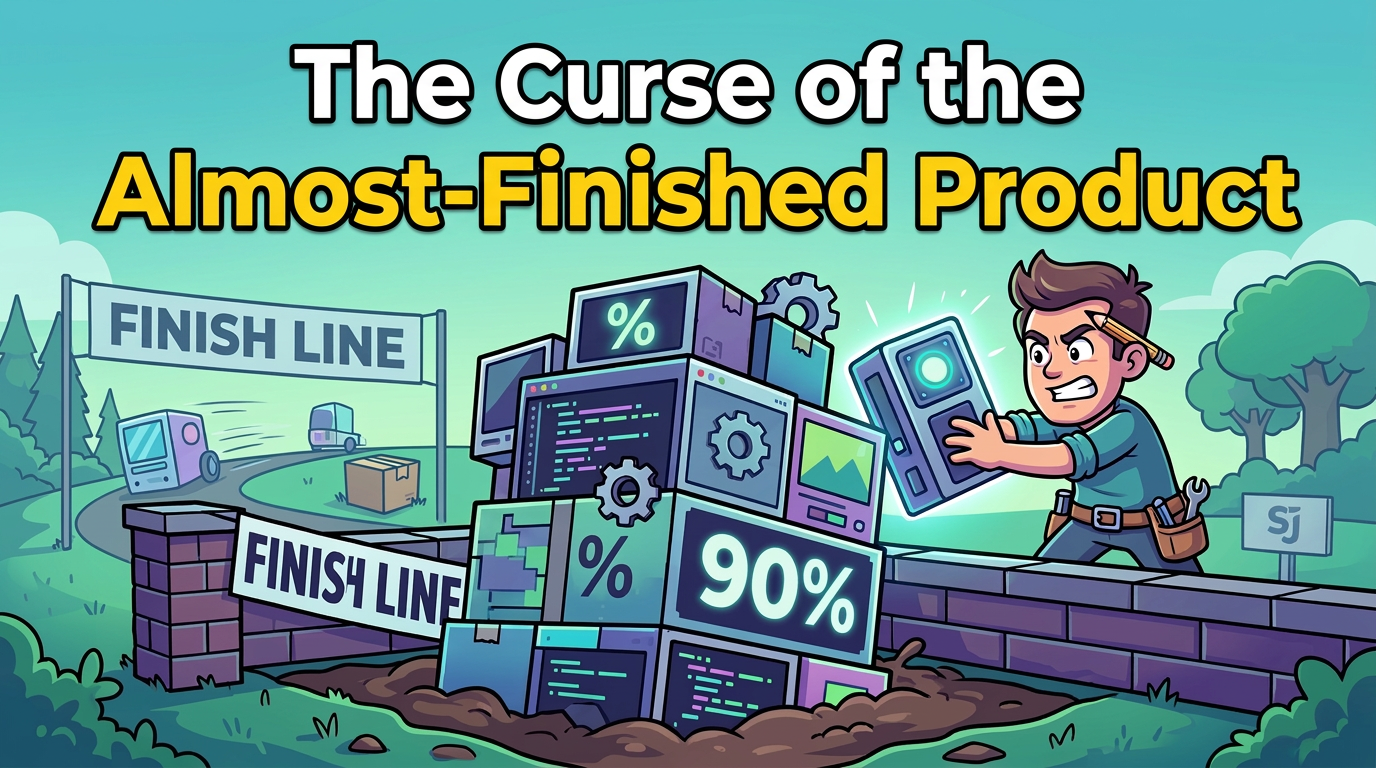
It's 90% finished.
The content is written.
The pages are formatted.
The graphics are in place.
The cover looks good.
You've checked it, revised it, and checked it again.
You're practically standing at the finish line.
Then you notice something.
The introduction could be better.
The title might need another look.
One graphic doesn't quite match the others.
Perhaps you should add a bonus worksheet.
And wouldn't it be nice to include a checklist?
Before you know it, your almost-finished product has been sitting at 90% complete for three weeks.
Possibly three months.
At this point, you're not sure whether you're creating a digital product or raising it.
Welcome to the Curse of the Almost-Finished Product.
The Last 10% Has a Strange Way of Growing
When you begin creating something, progress can feel exciting.
You have an idea.
You make a plan.
You start building.
Every completed section brings you closer to the finished product.
But somewhere near the end, things change.
The remaining work starts looking bigger than it actually is.
You begin noticing little details you overlooked.
You think of improvements.
You discover something else you could include.
And suddenly, the last 10% becomes a collection of new projects.
This is where many creators get stuck.
Not because they can't finish the product, but because they keep changing what finished means.
The finish line keeps moving because you're still adding things to the race.
Meet the Three Finish-Line Traps
There are a few common reasons products get stuck near completion.
1. The Endless Improvement Trap
You keep finding things to improve.
The cover could be more attractive.
The introduction could be stronger.
The colors could be adjusted.
The wording could be clearer.
The layout could be more consistent.
Some of these changes may genuinely improve the product.
But not every improvement is necessary.
A useful product doesn't need endless polishing.
At some point, the difference between a good product and a slightly prettier product becomes very small.
And your time is worth something, too.
2. The Bonus Feature Trap
You started with a simple guide.
Now you're considering adding worksheets, templates, checklists, bonus chapters, and perhaps a companion workbook.
Why?
Because you want the product to be valuable.
That's understandable.
But adding more content doesn't automatically make a product better.
Sometimes it makes the product harder to finish, harder to explain, and harder for customers to use.
Remember the original promise.
What did you intend to help someone accomplish?
If the product already delivers that result, you may not need another bonus.
3. The Fear of Releasing It Trap
This one can be a little harder to recognize.
Sometimes the product isn't unfinished because something is missing.
It's unfinished because releasing it feels uncomfortable.
Once it's published, people can see it.
They can evaluate it.
They can buy it.
They can ask questions.
They might even point out something you missed.
As long as the product remains in your workspace, it feels safe.
You can keep improving it without having to find out how people respond.
But a product that never gets released can't teach you anything about the market.
And it certainly can't generate sales.
Decide What Finished Actually Means
Here's a simple way to escape the 90% trap.
Before you make another change, define what the product needs in order to be ready.
For example, if you're creating an ebook, your completion list might include:
- The promised information is included.
- The content is clear and useful.
- The formatting is readable.
- The cover and title are in place.
- Links and references have been checked.
- The file opens correctly.
- The product is ready to deliver.
That's a reasonable finish line.
Notice what's missing?
A tenth revision of the introduction.
Another decorative graphic.
A bonus chapter nobody asked for.
A completely redesigned cover because you discovered a new font.
Those things might be nice.
But they aren't necessarily required.
Your completion list should describe what the product needs, not everything you could possibly add to it.
Separate Necessary Fixes From Nice-to-Haves
When you review your nearly finished product, divide your remaining tasks into three groups.
Must Fix
These are things that affect the product's usefulness or delivery.
Missing information, broken links, unreadable formatting, incorrect details, or problems that prevent someone from using what you promised.
Fix these before publishing.
Worth Improving
These are changes that would make the product noticeably better but aren't essential to its basic purpose.
Decide whether the improvement is worth the additional time.
Maybe Later
These are extra features, design ideas, bonus materials, and improvements that can wait.
Put them on your Later List.
You don't have to forget good ideas.
You just don't have to add every good idea to the current product.
This gives you a way to preserve your ideas without allowing them to delay your launch.
Give the Last 10% a Deadline
One of the easiest ways to stay stuck is to leave the finish date open-ended.
You tell yourself you'll finish when everything is ready.
But everything keeps changing.
Instead, choose a realistic completion date.
Write down the remaining tasks.
Decide which ones are essential.
Then work through them without reopening decisions you've already made unless you discover a genuine problem.
You might also find it helpful to limit the number of final revisions.
For example:
- One review for missing or incorrect information.
- One review for formatting and readability.
- One final check of the finished file.
Then stop.
You aren't trying to create a museum exhibit.
You're preparing a product someone can use.
Remember That Products Can Improve After Launch
Here's something that can take a lot of pressure off.
Publishing doesn't mean your product can never change again.
You can correct errors.
Update information.
Improve formatting.
Add features when there's a good reason.
Create a second edition.
You can even use customer feedback to discover improvements you hadn't considered.
That's part of developing a product over time.
The first version doesn't have to contain every idea you'll ever have for it.
It needs to deliver what you promised.
You can build from there.
In fact, releasing a useful first version gives you something valuable that an unfinished project cannot provide:
Real-world feedback.
You get to see how people respond, what they find helpful, and where improvements might actually matter.
That's much better information than spending another month guessing.
Get That Product Across the Finish Line
If you have something sitting at 90% complete, take another look at it.
Ask yourself:
- Is something genuinely missing?
- Is there a problem that needs fixing?
- Am I improving the product, or just delaying its release?
- Does this extra feature support the original promise?
- Would a customer consider this product useful in its current form?
Be honest with yourself.
If it needs more work, give it the attention it deserves.
But if it's already useful, complete enough, and ready to deliver, stop moving the finish line.
You started creating this product because you wanted to put something into the world.
Let it get there.
Almost finished isn't the same as finished. And finished is what gets published.
So put down the extra graphics.
Close the font collection.
Leave that bonus worksheet alone for now.
You've done enough improving.
It's time to cross the finish line.
And if your product is still sitting at 90% next month?
Well, I'm afraid we'll have to send someone in with a tow truck.
That finish line isn't moving again.
Comments